
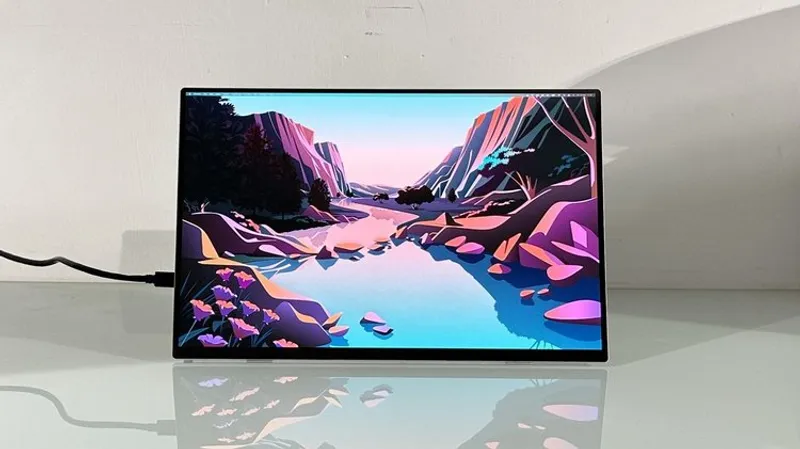
TLDR: Acer PE160WUT pairs a 16-inch 2,880 by 1,800 OLED, 120Hz touchscreen with USB-C power, yet its coarse anti-glare coating softens text.
Key Takeaways:
- Portable monitors often cut display quality or resolution, but Acer targets premium specs with 16-inch OLED and touchscreen support.
- The PE160WUT delivers 2.8K resolution and 120Hz refresh, while HDR10 looks capped near 350 nits brightness and costs extra power.
- Without a battery, USB-C use hits laptop runtime hard, and the matte coarse anti-glare reduces crispness despite excellent OLED color and response.

This is the rare portable display that actually sounds like a good laptop upgrade, not a compromise. Then the anti-glare layer puts a fog machine on your fonts and the power draw quietly claws back your battery.
This is the rare portable display that actually sounds like a good laptop upgrade, not a compromise. Then the anti-glare layer puts a fog machine on your fonts and the power draw quietly claws back your battery.
Q&A
If the anti-glare coating blurs text, who is this display truly for in day to day work?
People who prioritize color, contrast, and motion smoothness will enjoy it, but heavy text editors and spreadsheet users may find the softer sharpness distracting.
What happens to laptop battery life when OLED portable monitors are used at different brightness levels and with HDR enabled?
Because the panel runs without its own battery, power hungry modes like HDR can amplify drain, especially when both the laptop screen and the external display stay at higher brightness.
Why does Acer lean on USB-C power instead of building in a battery?
A built in battery would likely add weight and cost, undermining the 0.65kg portability pitch that makes the PE160WUT attractive as a travel screen.
Does 120Hz OLED help more than it hurts for non gaming tasks like scrolling and UI interaction?
It can make cursor and touch response feel snappier, but the benefit depends on the device output and scaling, which the PE160WUT limits when running at a lower touchscreen effective resolution.
Could the PE160WUT’s HDR weakness be addressed through firmware or calibration, or is it mainly a hardware ceiling?
Based on the report that HDR brightness appears tied to the 350 nits full screen level, firmware can only do so much if the hardware power and brightness behavior remains the limiting factor.





No comments yet. Be the first to share your thoughts!